
Photo by David Travis on Unsplash
In this post, I’ll go over the note-taking strategy I’ve started using. This system is still subject to change, but so far it’s been working nicely for my needs.
The Goal
My goal was to create a local note-taking solution that I can also access from my phone—and that doesn’t cost me anything per month.
About a year ago, I discovered and fell in love with Obsidian. I really love its simplicity, and I’m a big fan of Markdown and having plain text files on my computer. There are a lot of advantages to this style, including (but not limited to) easy backups and straightforward version control.
The problem is that Obsidian costs money if you want to access your notes from your phone. Because of that, I started searching for a way to make all of this work together without paying any monthly fees.
The Solution
NoteDiscovery is a super awesome, self-hosted, Markdown-based note-taking web app. It allows you to create, edit, and delete Markdown files, as well as organize them into folders. This solves one part of the problem.
However, I still prefer using Obsidian when working on my desktop, so I needed a way for everything to stay in sync.
That’s where Syncthing comes in. Syncthing is a tool that keeps folders synchronized across multiple machines. This is exactly what I need because my NoteDiscovery setup runs on a different computer than my main workstation.
Syncthing is incredibly powerful and can be used for many applications beyond this setup. The best part is that it works in real time and supports bidirectional syncing (when configured properly). When I make a change on one system, it propagates to the other within seconds.
Another great feature of Syncthing is file versioning and snapshots. If I accidentally delete or overwrite a file (with snapshots enabled), I can easily recover it later.
I won’t turn this into a full technical write-up on how to implement everything, as the documentation for these tools is already quite good. I mainly wanted to share this workflow as a fun—and somewhat novel—way to combine these tools into a free, flexible, and self-hosted note-taking system.
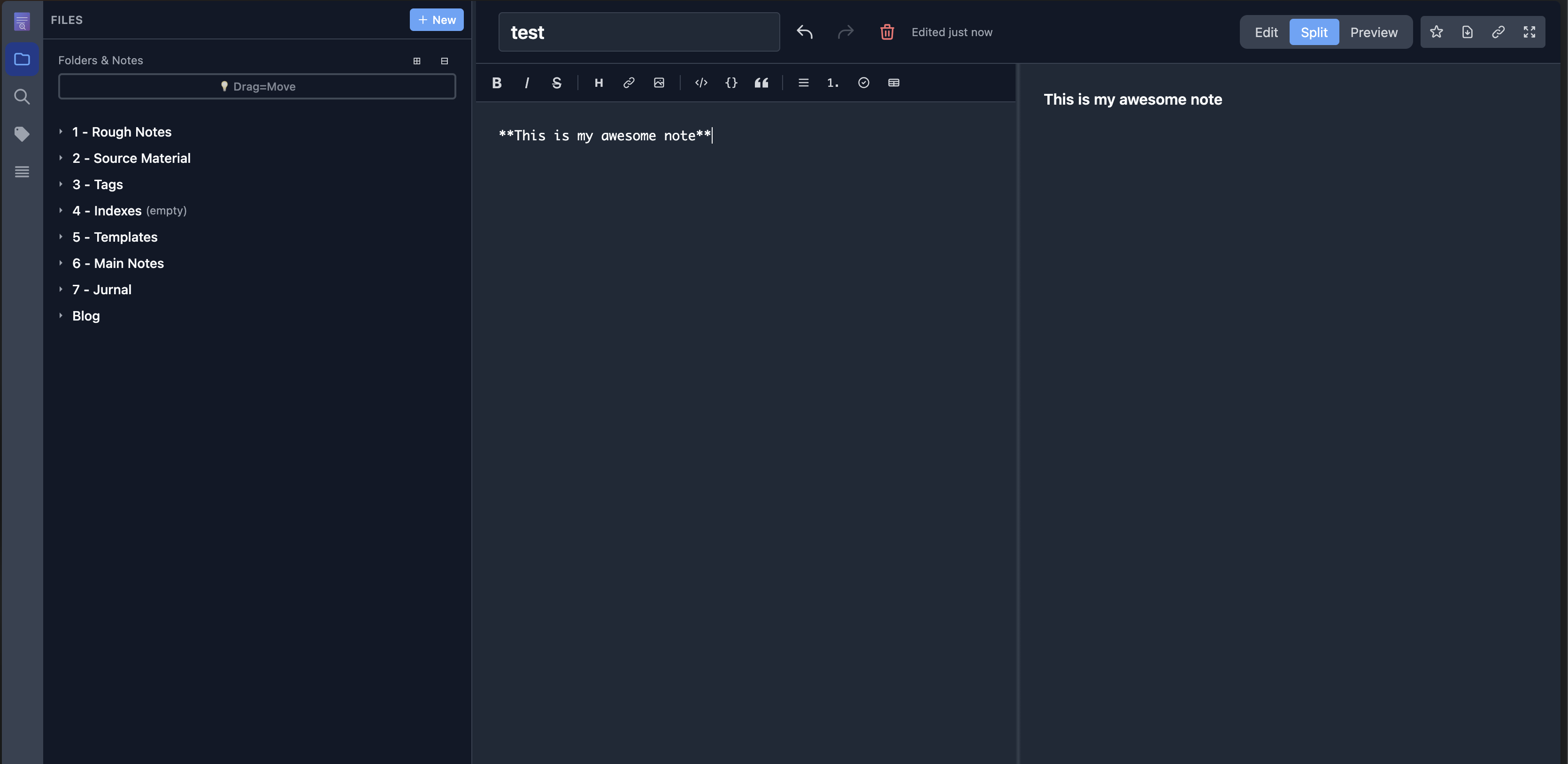 Caption: This is the Note Discovery side. I created a note here
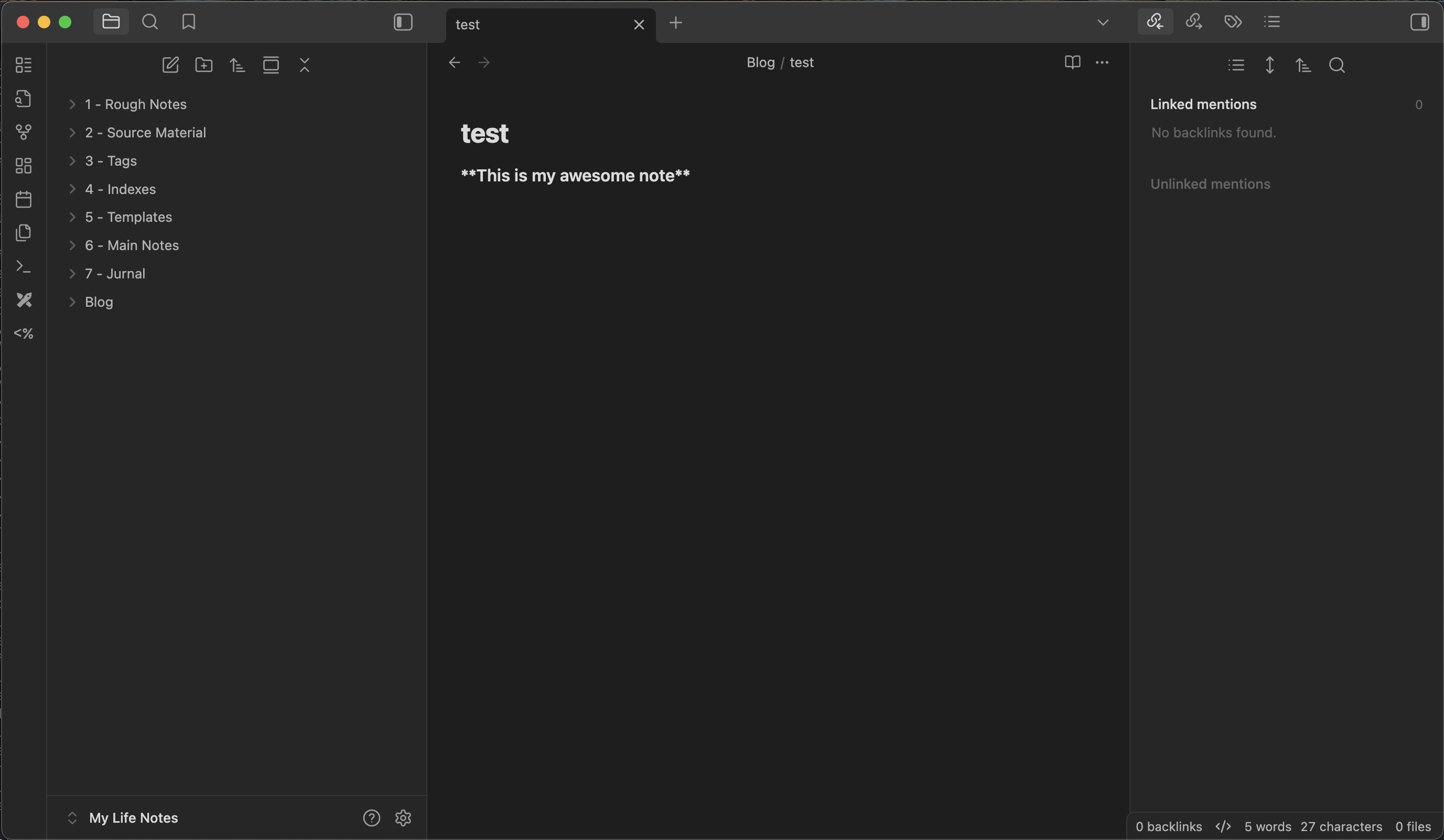 Caption: And it syncs to my Obsidian side within seconds.
I can do this in reverse too... both sides can be the source of truth.